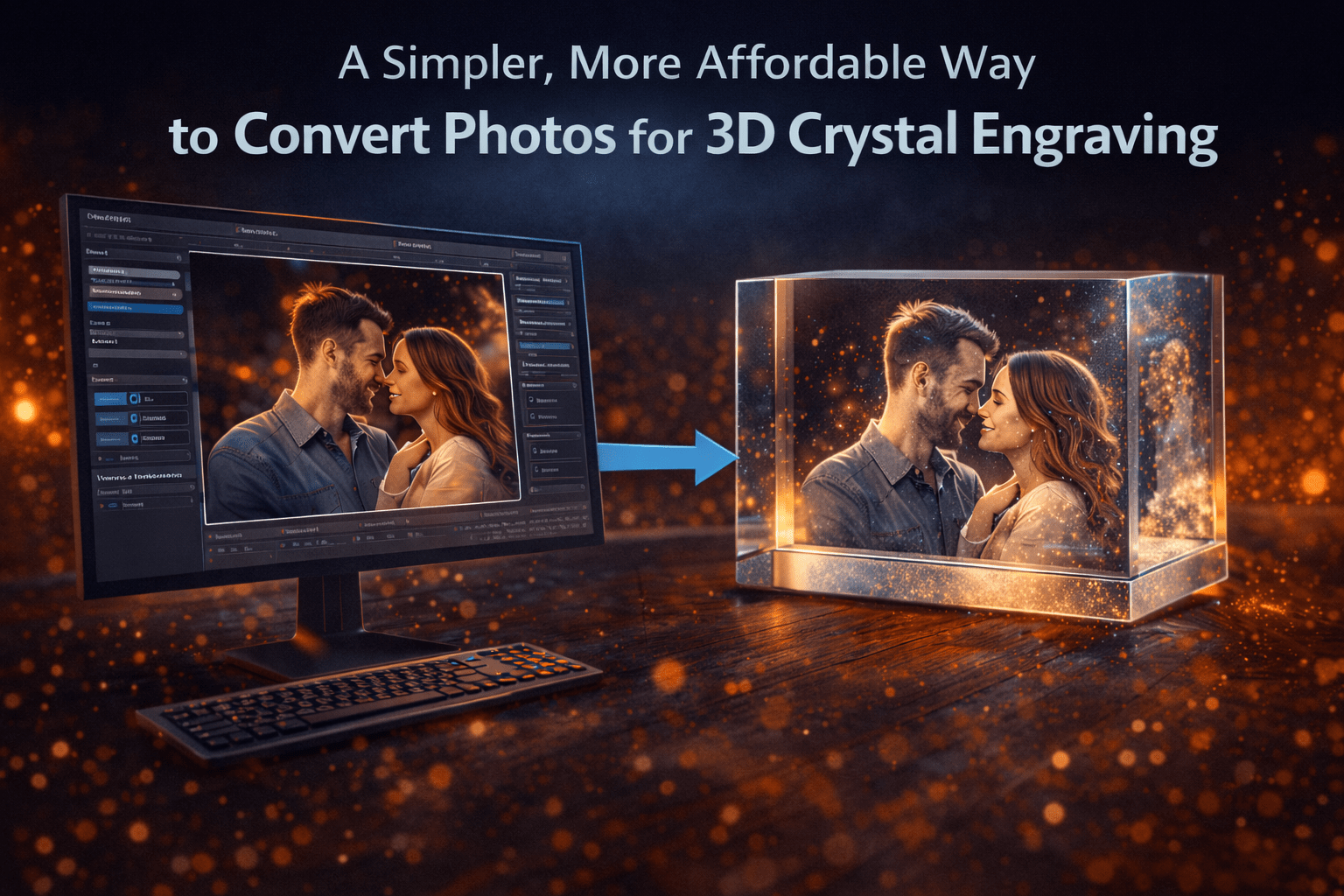
A Simpler, More Affordable Way to Convert Photos for 3D Crystal Engraving
Creating high-quality 3D crystal engravings starts with converting a 2D photo into a depth-based engraving file. While there are several tools available for this process, many of them rely on complex workflows, layered pricing models, or usage-based systems that can become difficult to manage over time.
For creators and businesses alike, this often leads to a simple question: is there a more efficient and cost-effective way to convert photos into crystal-ready 3D files without unnecessary limitations?
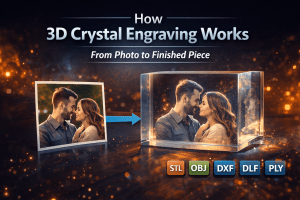
If you’re new to the process, you can also read our guide on how 3D crystal engraving works to better understand how photos are converted into engraving-ready files.
The Problem With Traditional Approaches
Many 3D photo conversion tools for crystal engraving use pricing structures that combine annual subscriptions with additional usage-based fees.
In some cases, access to the software requires a yearly license, while generating outputs may require purchasing credits separately. This type of system can make it difficult to predict long-term costs, especially for users producing multiple engravings.
Over time, these costs can add up, and the workflow itself can feel restrictive when each output is tied to a credit system or additional purchase. For creators who want consistency and flexibility, this can quickly become frustrating.
A More Straightforward and Affordable Solution
CrystalMe3D Pro was designed to simplify both the workflow and the pricing model.
Instead of relying on credit systems or per-use fees, it offers a clear and predictable subscription structure. Plans start at $129 per year for a single-user license that works on one machine, with additional options for multi-user setups and business use.
The key difference is that all plans allow unlimited usage. You can generate as many engraving files as needed without worrying about running out of credits or making additional purchases.
This makes it significantly easier to scale your work while keeping costs consistent and manageable.
CrystalMe3D Pro vs Typical Software
When comparing CrystalMe3D Pro to other tools in the space, the differences become clear very quickly.
Feature
CrystalMe3D Pro
Typical Competitors
Pricing
Simple subscription
Subscription + credits
Exports
Unlimited
Often limited or credit-based
Offline Use
Fully offline
Often cloud-based
Speed
Fast local processing
Depends on server speed
Workflow
Streamlined and simple
Often complex and multi-step
This comparison highlights why many users are moving toward simpler, more transparent tools that allow them to work without restrictions.
Full Control Over Your Results
Another major advantage of CrystalMe3D Pro is the level of control it gives you over the final engraving output.
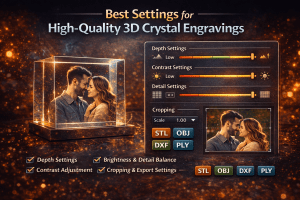
Rather than relying on automated or locked processes, you have the ability to fine-tune how your image is converted into a 3D engraving file. This includes adjusting depth, tone, and detail using intuitive sliders that let you dial in the exact look you want.
You can also choose between different rendering approaches such as dithering or volumetric tone modes, depending on the style and level of detail you’re aiming for. These options allow you to optimize your results for different types of images, whether it’s portraits, pets, or more detailed scenes.
In addition, flexible export options give you control over how your final file is generated, making it easier to match your specific engraving setup or machine requirements.
This level of control ensures that you’re not just generating files—you’re creating results that match your vision.
Why Simplicity Matters
When working with 3D photo conversion software, the goal is to move from image to final engraving file as efficiently as possible.
Complex interfaces and multi-step processes can slow down production and make it harder to achieve consistent results. A simpler workflow allows you to focus on the quality of the engraving rather than the process itself.
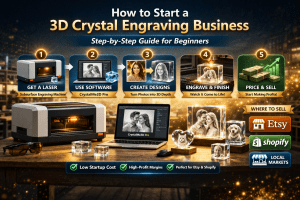
With CrystalMe3D Pro, the process is streamlined into just a few steps. You load your image, adjust the depth and tone, and export a crystal-ready file. There are no unnecessary steps or hidden processes, which makes it easier to work quickly and confidently.
If you’re looking to improve your results, it’s helpful to understand the best settings for crystal engraving and how depth and tone adjustments affect the final output.
Fully Offline Processing
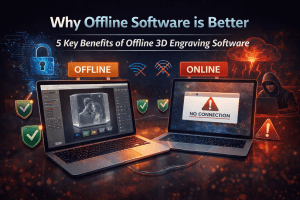
Another key advantage of a simplified approach is the ability to work entirely offline.
CrystalMe3D Pro runs directly on your local machine, which means there is no need to upload images or rely on external servers. This results in faster processing times and a more reliable workflow, especially for users working in production environments.
It also ensures that your files remain private and accessible at all times, without depending on an internet connection.
For a deeper look at the advantages of working without cloud-based systems, you can read more about why offline 3D image processing software is better and how it improves speed, reliability, and control.
Designed Specifically for Crystal Engraving
General-purpose 3D tools are not always optimized for subsurface crystal engraving. Converting photos into engraving-ready files requires precise depth mapping and careful point placement.
CrystalMe3D Pro is built specifically for this purpose, allowing for more natural depth, improved facial detail, and better overall engraving results.
This specialization helps ensure that what you see in the preview translates accurately into the final engraved crystal.
A Better Way to Convert Photos to Crystal Engravings
Choosing the right 3D photo conversion software comes down to more than just features. Workflow efficiency, cost predictability, and ease of use all play a major role in long-term success.
A simpler approach removes unnecessary barriers and allows you to focus on creating high-quality engravings without worrying about limitations or added costs.
Final Thoughts
There are many ways to convert photos into 3D crystal engraving files, but not all approaches are equally efficient or cost-effective.
If you’re looking for a more streamlined, predictable, and user-friendly solution, CrystalMe3D Pro offers a strong alternative built specifically for real-world engraving workflows.
If you’re ready to simplify your workflow and start creating crystal-ready 3D engravings more efficiently, you can download CrystalMe3D Pro and begin working with your own images today.
If you’ve ever seen a high-quality 3D crystal engraving, you already know how impressive the results can be. A single photo, transformed into a detailed